Work together with agents on notes

Download for macOS
brew install sidequery/tap/sidequery Copied!

Free · works offline · no account · your files stay yours
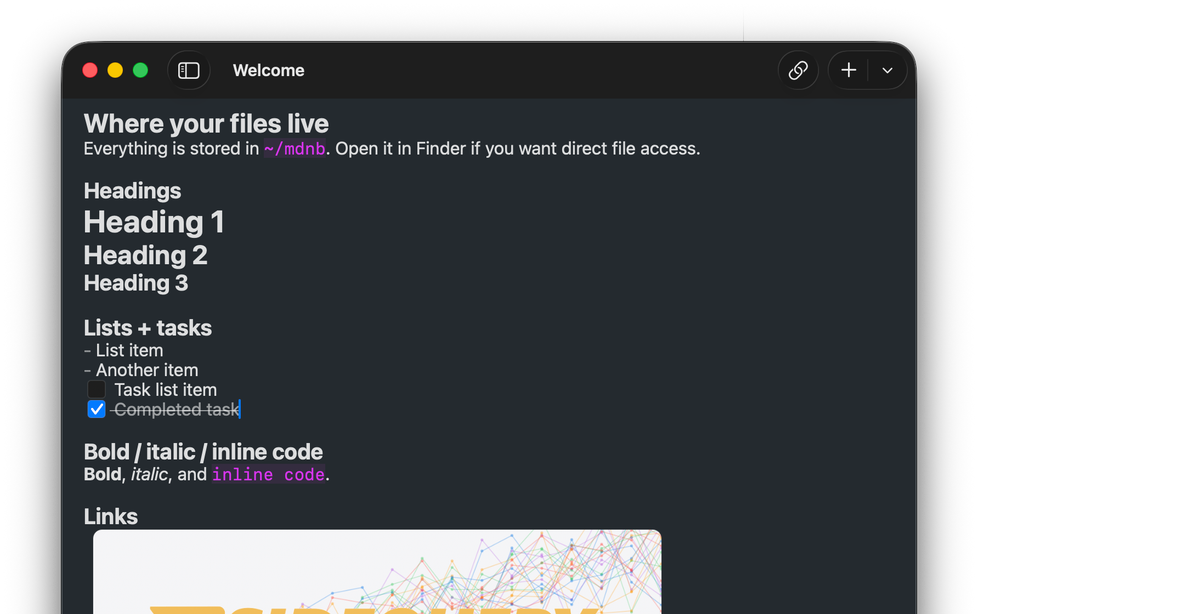
Sidequery on macOS
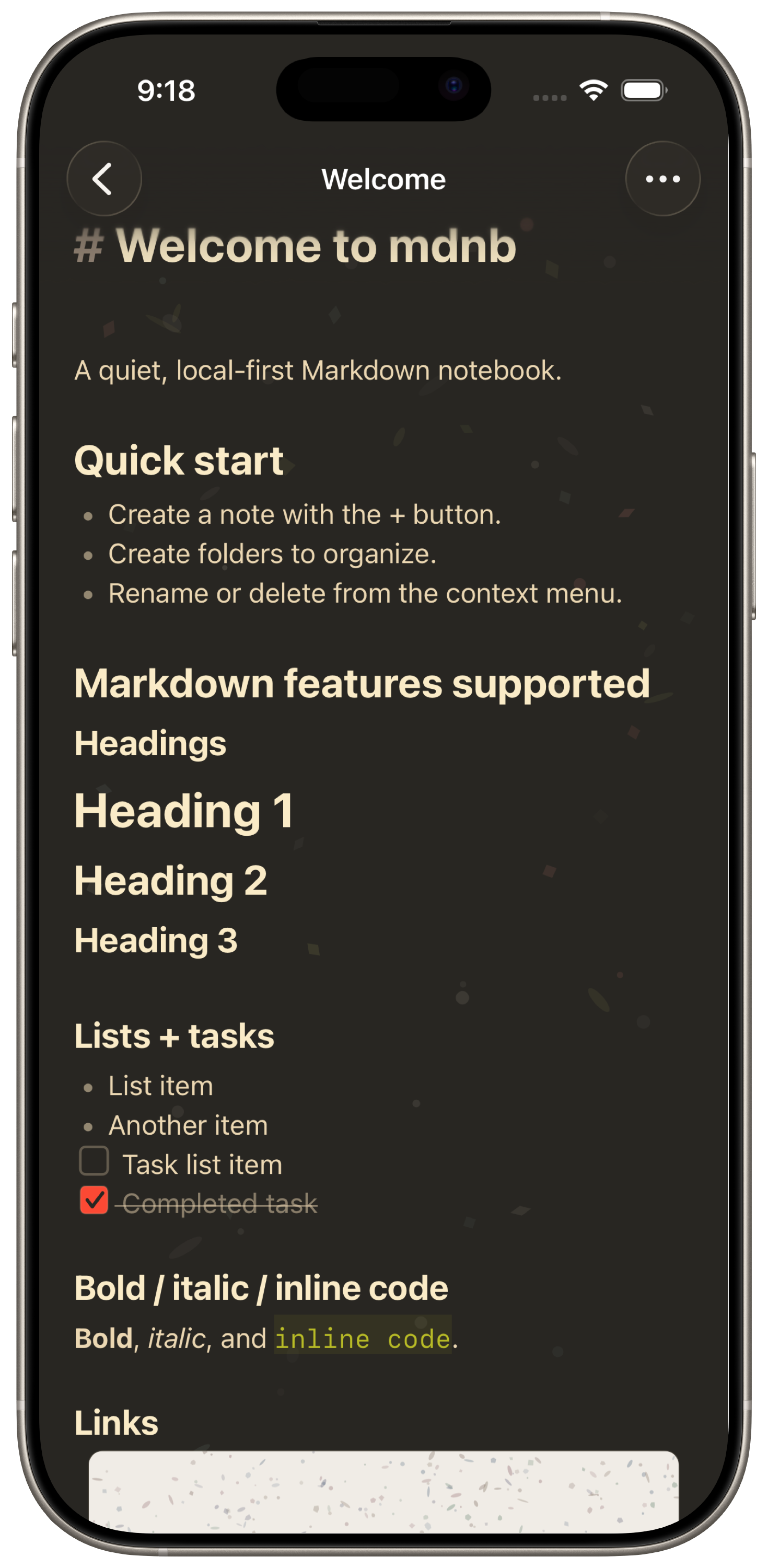
Sidequery on iPhone

Notes, data, and code

You keep notes in one app, query data in another, and write code in a third. Sidequery is one native app for all of it — over the same files.

And across all of it

The same platform under every document type.

Find anything, instantly

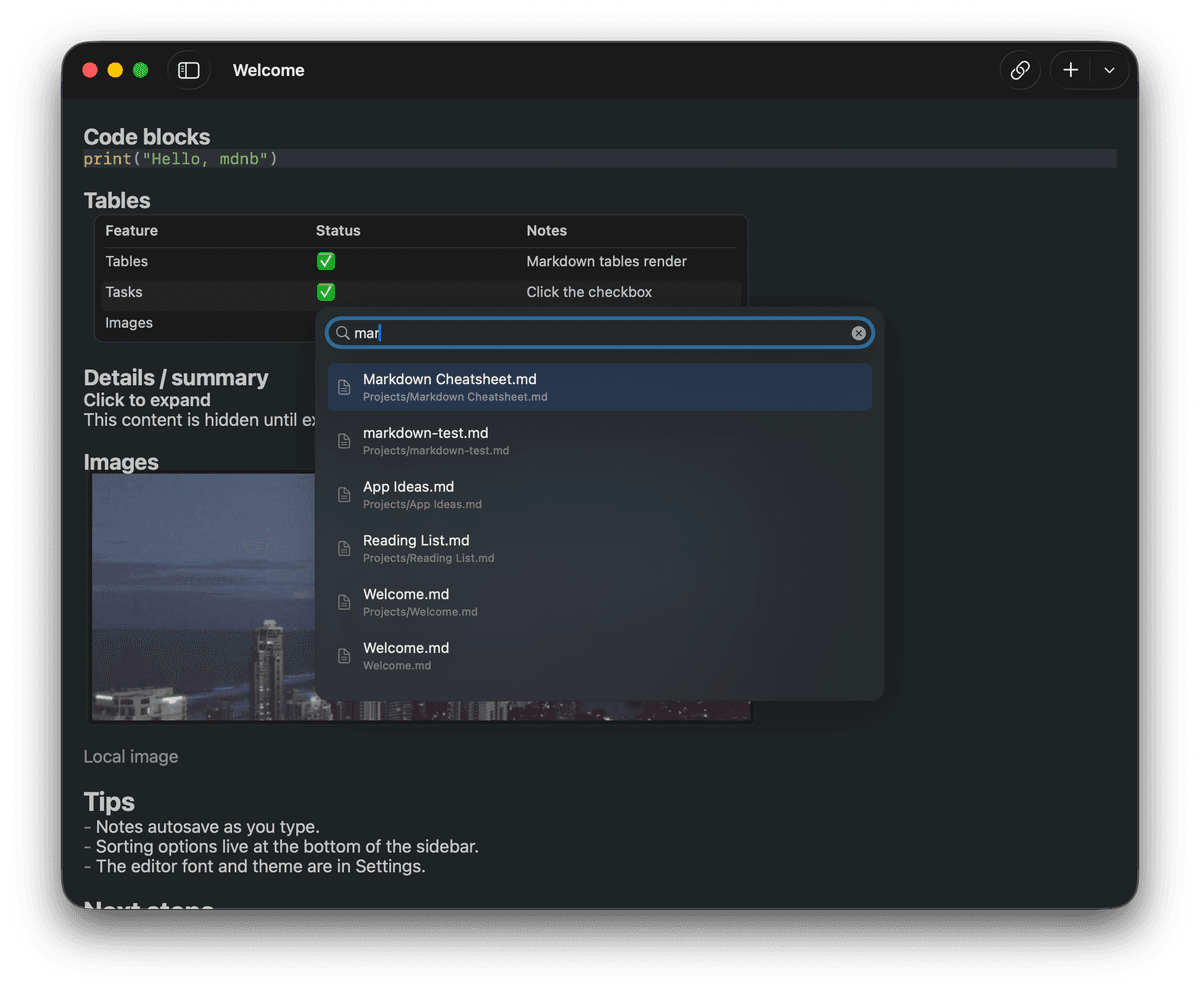
Full-text search across every note, in milliseconds. Start typing and results appear before you finish the word.

Sidequery search interface

See how your work connects

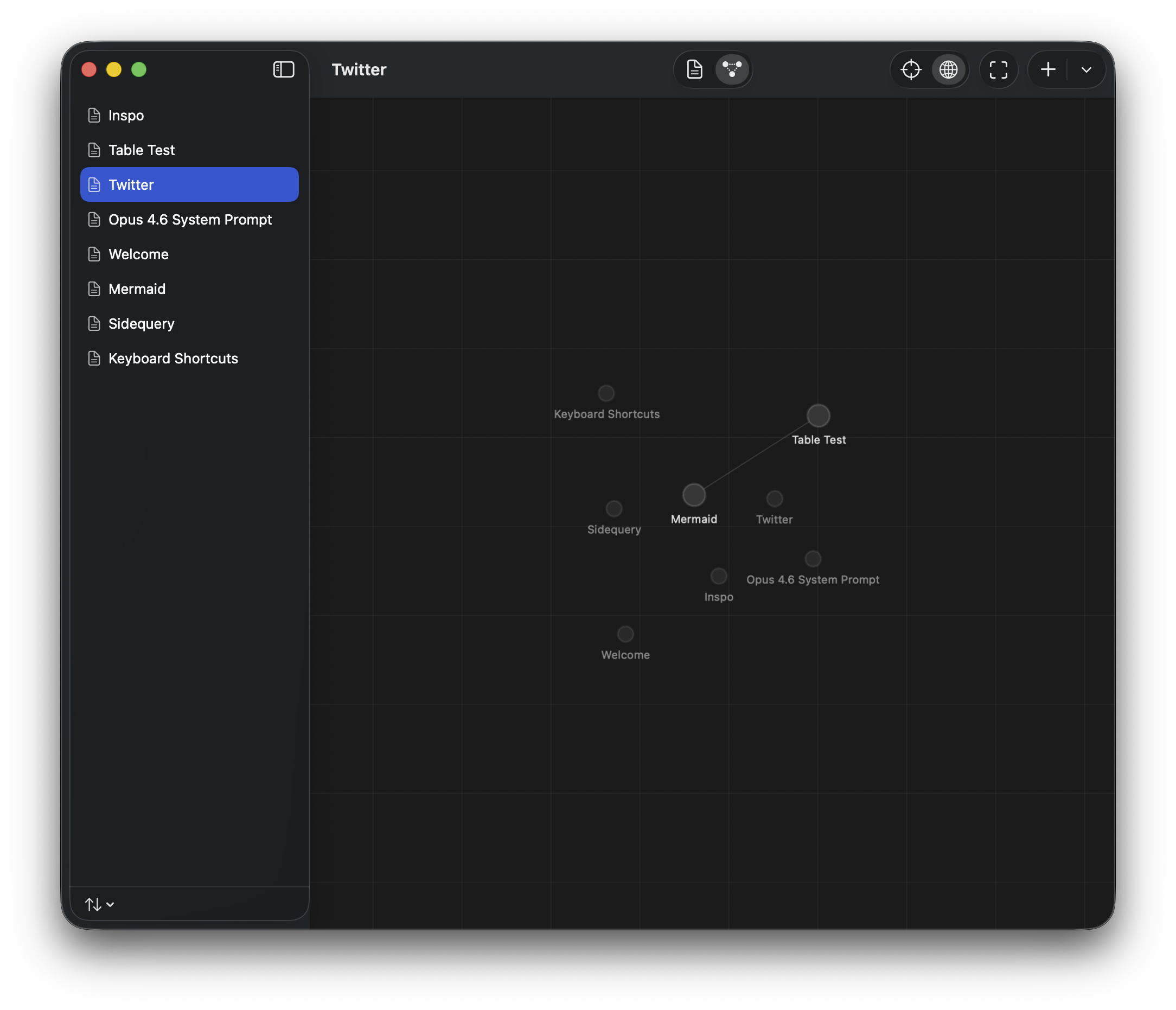
Backlinks show every note that references the current one. See the shape of your thinking at a glance.

Sidequery backlinks graph view

Get Sidequery

Free, offline, no account. Your work stays in plain files, yours no matter what.

Download for macOS
brew install sidequery/tap/sidequery Copied!

FAQ

What is Sidequery?

A native macOS and iOS app for notes, SQL, Python, and spreadsheets. Every document is a plain file on your disk, in one local-first vault.

What file formats does it use?

Standard files — Markdown (.md), SQL (.sql), and Python (.py) — in regular folders. Open them in VS Code, vim, or any editor.

Is this the same as mdnb, pynb, and sqlnb?

Yes — Sidequery brings them together. Markdown notes, SQL notebooks, Python notebooks, and spreadsheets are now modes of one app instead of separate downloads.

Does it sync across devices?

Point it at an iCloud Drive, Dropbox, or git-synced folder and it just works. Built-in git sync covers Mac and iPhone.

What platforms does it run on?

macOS and iOS. Because your work is plain files, you can read and edit it anywhere with any editor.

Do I need an account?

No. Sidequery is offline-first and works with no account or internet connection. Your files are yours whether or not you keep using it.

How much does it cost?

Free to download and use. Optional paid sync and team features will come later — the local app stays free, and your files are always yours.

Is it safe to install?

Yes. It's a native Mac app distributed through Homebrew and GitHub releases. It runs fully offline — nothing leaves your machine unless you set up git or cloud sync yourself.